
Sim Local Review (2026): Testing an Indonesia eSIM in Bali and Lombok
This is a sponsored post. Sim Local provided the eSIM for us to test, and everything below is based on our own use across Bali and Lombok. It contains an affiliate link, which means we may earn a commission at no extra cost to you. This helps fund Slower Travels without costing you a cent!
The short version: We tested Sim Local's 20GB, 30-day Indonesia eSIM (US$28.50) for ten days across Bali and Lombok. It connected the moment I switched it on, handled hotspotting for work calls, and used 8.3GB over the ten days. It's a strong pick for remote workers, island hoppers and anyone using an eSIM for the first time. The only gaps were spots where no network reached.
Get your Sim Local eSIM → Use code SLOWERTRAVELS for 5% off.
Connectivity is one of those things some people forget about entirely. At home, you know your mobile provider and home internet have you covered. When you're travelling, sometimes alone, sometimes in completely new corners of the world, connectivity is something I'd rather not think about, and yet it has a sneaky way of creeping in. What if I need to get a Gojek? What if I get separated from the friends I've been hotspotting off? What if plans change?
I've used eSIMs across Southeast Asia, in Malaysia, Thailand, Hong Kong and here in Indonesia, where I’ve been visiting for the past three years. For this review, my partner Kieron and I put Sim Local through ten days of everyday use in Bali and Lombok, from work calls to getting myself home after a bad morning run. Here's how it held up.
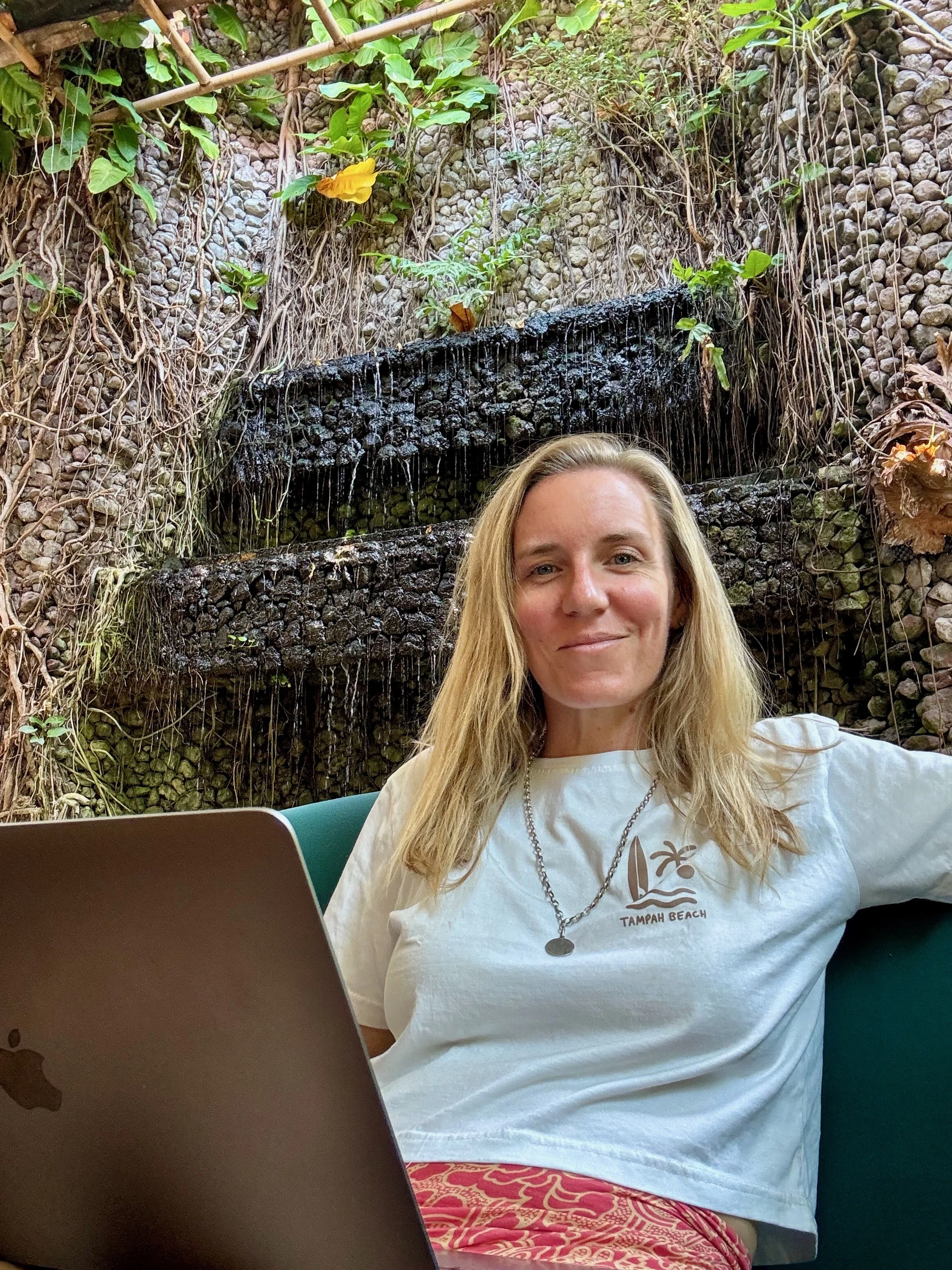
Feeling so happy that I can work from anywhere
Sim Local Indonesia eSIM review at a glance
| Detail | Sim Local |
|---|---|
| Plan tested | 20GB, valid for 30 days |
| Price | USD $28.50 |
| Data used | 8.3GB in 10 days |
| Speeds tested | 550Mbps on 5G in Sanur, 23Mbps in Lombok |
| Hotspot | ✓ Tested and working |
| Networks | Telkomsel and Smartfren |
| Activation | Starts when your phone connects to a local network |
| Discount | 5% off with code SLOWERTRAVELS |
| Get the plan | Get your Sim Local eSIM → |
Pros
Connected instantly once switched on
Hotspotting held up for work calls
Quick, clear purchase in the app
Plans only start once they connect to a local network
Cons
Data only, so there's no local phone number
A local SIM works out cheaper for very long stays
How easy is the Sim Local eSIM to set up?
I downloaded the Sim Local app, chose a 20GB plan for Indonesia and paid. It went through the first time. That sounds like a low bar, but I've had eSIM purchases hang on a loading screen long enough that I've started to wonder whether I'd just paid twice. This was quick and clear.
We were already in Indonesia when I switched it on, and it connected straight away. Some eSIMs take a few minutes to register on the local network. That's a long few minutes when you've landed in the middle of the night and you're trying to order a Grab while taxi drivers circle. In that moment, instant is exactly what you want.
Sim Local plans only start once they connect to a local network, so you won't lose days by installing early.
Do you need to switch on data roaming?
Yes, for the eSIM line. I've been caught out by this before with a different eSIM, sitting there wondering why nothing would load. One little toggle can cause a surprising amount of stress.
It sounds alarming, but turning on data roaming on your eSIM won't land you in roaming charges. It simply lets your phone connect to a network outside your home country. You only ever pay for the plan you bought. Just make sure roaming stays off on your home SIM.
Can you hotspot with the Sim Local eSIM?
Yes, and this is where it earned its keep.
The plan on Thursday morning was simple. Calls at 9am from the hotel, breakfast afterwards. Then we decided we needed food first, which meant taking the calls from a café. So we scrambled out the door.
We hotspotted off my phone and took the calls without giving the café WiFi a second thought. As it turned out, the eSIM's 5G was stronger than the café's WiFi anyway. Kieron likes to pace while he's on calls, and even as he drifted away from my hotspot, he didn't have issues. When I ran a speed test at the café in Sanur, it came in at around 550Mbps on 5G. A later test in Lombok showed 23 Mbps, which is still plenty for video calls.
For anyone working remotely, this matters most. Café and warung WiFi in Bali ranges from excellent to barely there, and having a reliable connection in your pocket means you can relax, enjoy your coffee and take your calls without anyone knowing you're out and about.
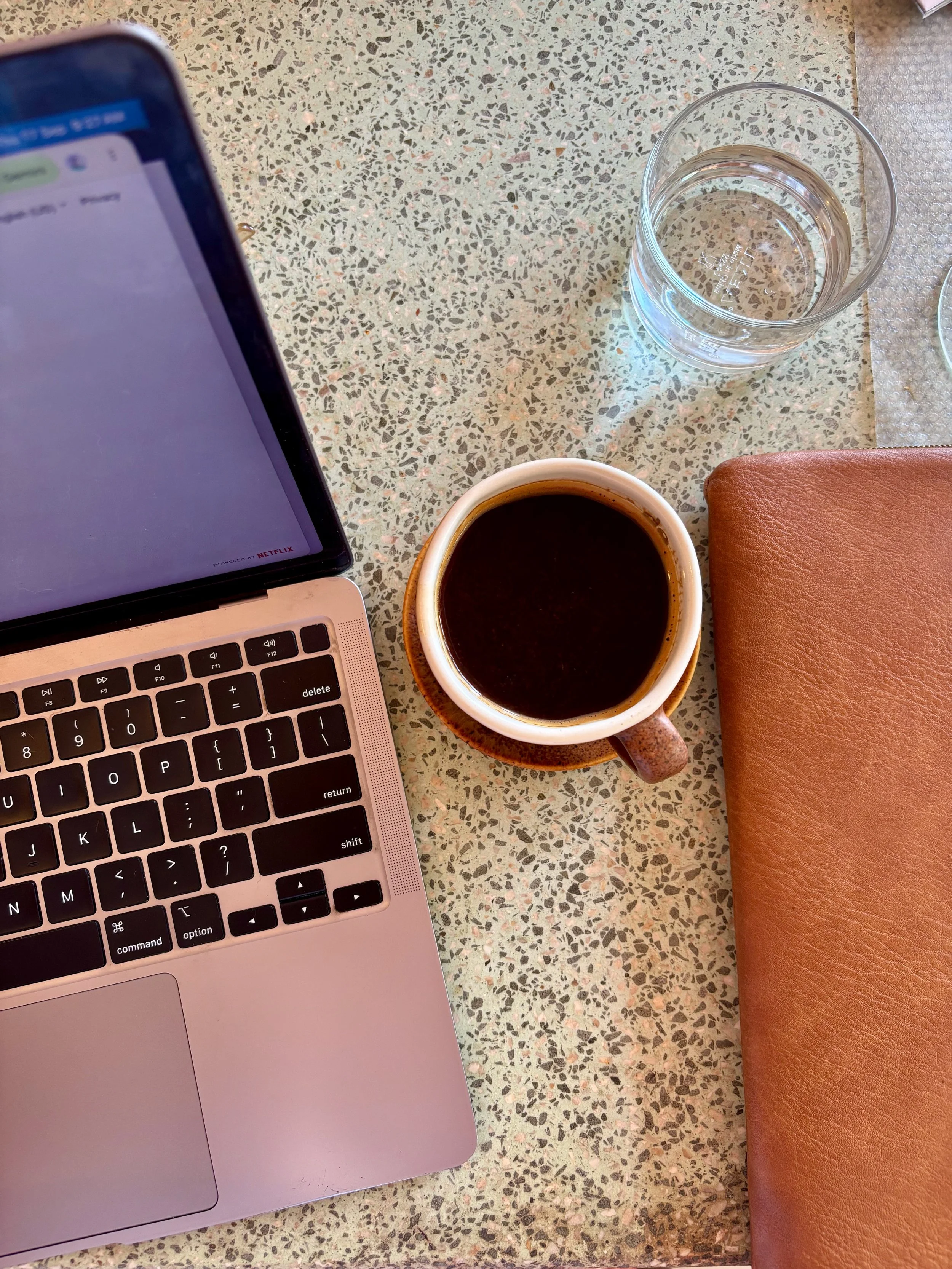
Classic digital nomad behaviour

The breakfast was worth the rush
How good is Sim Local's coverage in Indonesia?
Sim Local works with Telkomsel and Smartfren, and says coverage is strongest in the busier areas, including Ubud, Seminyak, the Gili Islands and Nusa Penida. In our own testing, it ran fast on 5G in Sanur and held up across the parts of Bali and Lombok we spent time in. It also worked without a hitch at Ngurah Rai Airport when we flew back to Lombok.
In fairness, it did lose signal twice, and as with any Indonesian network, signal can be limited in more remote spots.
The first time was on the ferry from Lombok to Bali. I tried to check where we were in the middle of the strait and couldn't get service. Open water between islands is a hard place for any network, so I wasn't surprised.
The second was at Thomas Beach, which sits at the bottom of a long, steep set of steps. Nobody I was with had service down there. It didn't matter in the end, because I had to climb back up to meet a Gojek anyway, so I simply ordered one once I reached the top.
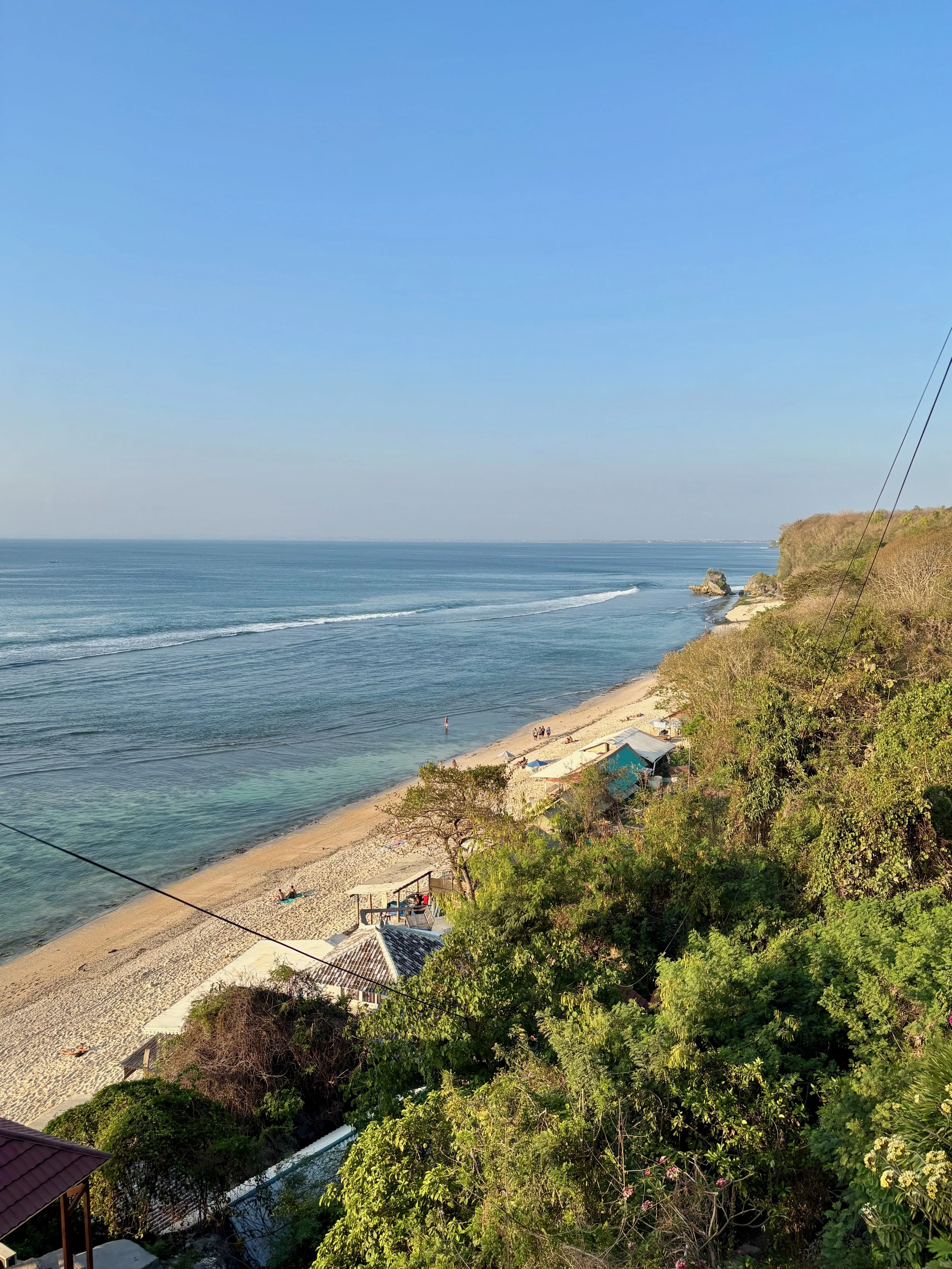
Thomas Beach in Uluwatu is a great spot sunset spot, but has poor coverage
Is it reliable when something goes wrong?
I'd taken a Gojek to a nice flat area for a run. Partway round, I tripped and grazed my knees. Sitting on the side of the road feeling sorry for myself, the one thing I didn't have to worry about was getting home. With my eSIM I could locate a pharmacy, use Google Translate to ask for what I needed to clean myself up, then order a ride home.
This is what a reliable eSIM gives you, and it's hard to put a number on. You can wander farther from your accommodation and take an unfamiliar route, knowing you can always get back.

This was much more painful than it looks
Does it work as a backup to home WiFi in Lombok?
This is where Sim Local surprised me most. Where we stay in Lombok, there's no fixed-line internet, so the house runs off a 4G router. It doesn't reach every room. For some reason, my laptop picks it up in the living room, but my phone refuses to.
With Sim Local installed, my phone switches to the eSIM whenever it loses the router. I've stopped noticing the dead spots altogether. If you're setting up somewhere with patchy home internet, it's a genuinely useful safety net.
How much data do you need for Indonesia?
I bought 20GB. After ten days across Bali and Lombok, I had 11.7GB left, so I'd used 8.3GB. That covered everyday maps and ride-hailing, plus a couple of mornings of hotspotting for work calls.
That works out to a little over 800MB a day. For a two-week trip with similar use, 20GB leaves plenty of room. If you plan to hotspot for work every day, size up or look at an unlimited plan. I'm still using mine, and there's plenty left.
Which Sim Local Indonesia eSIM plans are available?
Plans run for 3, 7, 15 or 30 days. Prices at the time of writing:
| Plan | Data | Validity | Price |
|---|---|---|---|
| 1GB | 1GB total | 3 days | USD $4.25 |
| 3GB | 3GB total | 7 days | USD $8.50 |
| 5GB | 5GB total | 30 days | USD $11.00 |
| 10GB | 10GB total | 30 days | USD $16.75 |
| 20GB (the plan we tested) | 20GB total | 30 days | USD $28.50 |
| Unlimited | 5GB high-speed per day | 7 days | USD $27.50 |
| Unlimited | 5GB high-speed per day | 15 days | USD $48.50 |
| Unlimited Pro | 10GB high-speed per day | 7 days | USD $31.25 |
| Unlimited Pro | 10GB high-speed per day | 15 days | USD $61.00 |
Who is Sim Local best for?
Remote workers
If you're taking calls from cafés and coworking spaces, the hotspotting is the selling point. The 20GB plan covered our work calls comfortably, and daily heavy users will be happier on an unlimited plan.
Island hoppers
Moving between Bali, Lombok and the Gilis is easier when you can book transport and check ferry times on the go. Just download offline maps before you cross.
First-time eSIM users
The app walks you through setup, and plans only start once they connect, so there's little that can go wrong.
Long-stay travellers with patchy WiFi
If your villa or homestay relies on a 4G router, an eSIM fills the dead spots without you having to think about it.
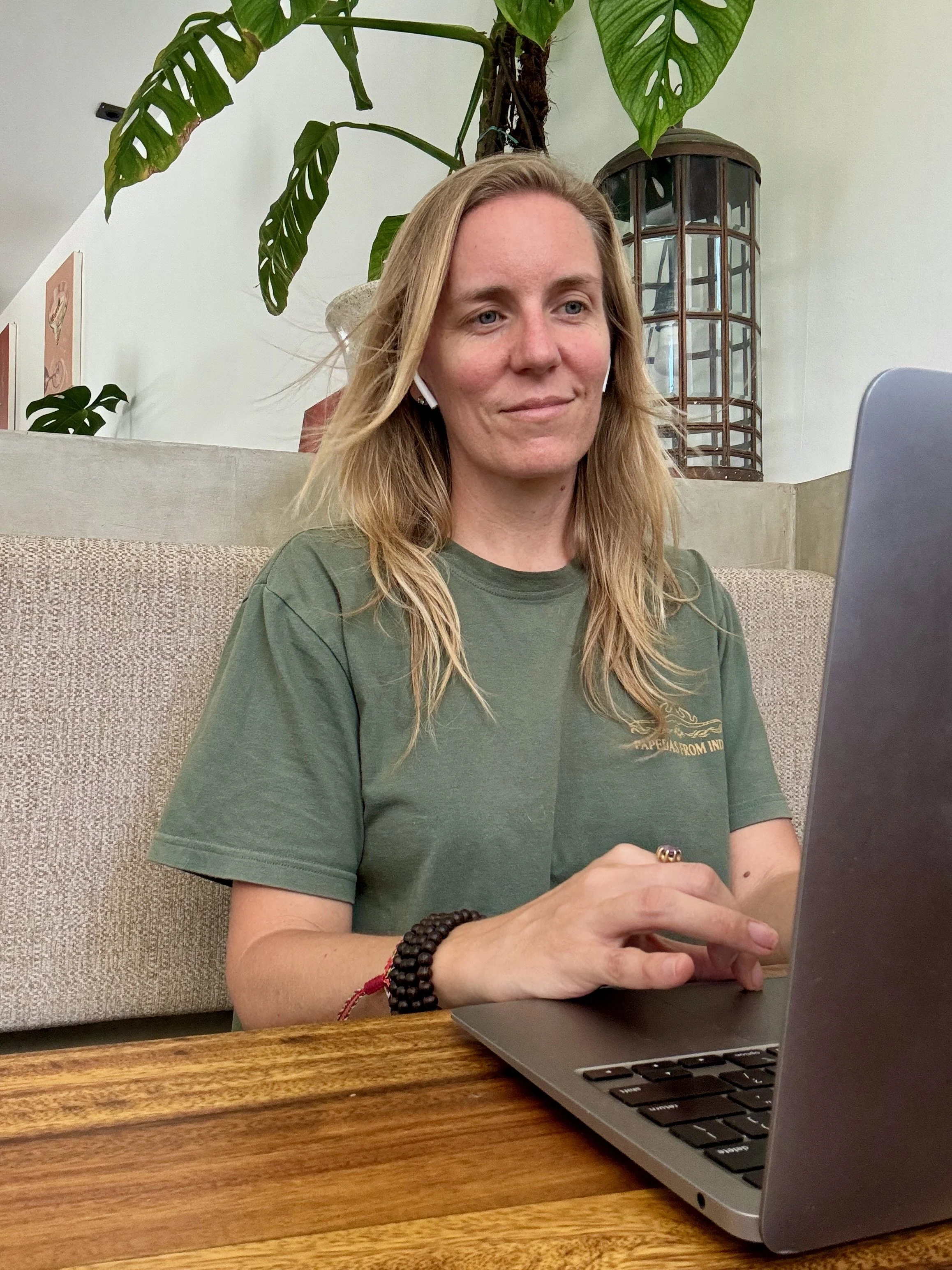
No 5G in Lombok, but still strong enough to work from
Tips for using an Indonesia travel eSIM
Install it before you need it
You need WiFi to download an eSIM profile, so set it up at your accommodation or before you fly. Activation can wait until you land, but make sure you turn on roaming.
Keep your home SIM switched on
Banks and apps still send verification codes to your home number. Leave that line active for calls and texts, with data roaming turned off to avoid charges.
Download offline maps for boat crossings
Signal disappears mid-strait on inter-island ferries. Save the maps you'll need on WiFi before you board.
Is Sim Local worth it? Our verdict
Over ten days of testing for this Sim Local review, it was easy to buy and connected the moment I switched it on. It held up for work calls and island hopping, and it got me home on the morning I needed it most. The only gaps were places where no network reaches.
If you're heading to Indonesia for a few weeks, especially if you'll be working from cafés or moving between islands, this Indonesia travel eSIM has earned its place on my phone. If you're still comparing options, see our guide to the best eSIM for Indonesia.
Use code SLOWERTRAVELS for 5% off. Our link applies it automatically at checkout.
FAQs
Does Sim Local work in Lombok?
Yes. We've used it around Lombok without issues, and it fills the gaps in our 4G router coverage where we stay.
Can you hotspot with a Sim Local eSIM in Indonesia?
Yes. We hotspotted a laptop for work calls from a café in Bali, and the connection was stronger than the café's WiFi.
How much data do I need for two weeks in Indonesia?
Based on our use, around 12GB covers two weeks of maps and ride-hailing with some hotspotting. Go for 20GB if you'll be working regularly from your phone's connection.
Does it work on the ferry between Lombok and Bali?
We lost signal in the middle of the strait, which is normal for open water. Download offline maps before you board, and arrange a driver to meet you on the other side.
Should I get an eSIM or a local SIM card in Indonesia?
A local SIM is cheaper for long stays, but registering one can mean passport checks and a queue at a phone shop. You can set up an eSIM for Indonesia before you land, and it works as soon as you turn it on, which is why we use one for shorter trips and as a backup where we stay.
When does my eSIM Indonesia plan start?
Sim Local plans start once they connect to a local network, so you can install yours a day or two before you fly without losing any days.



Our Sim Local review after ten days testing this Indonesia eSIM in Bali and Lombok, with price, speeds, coverage gaps and how much data you really need.